


Quick answer

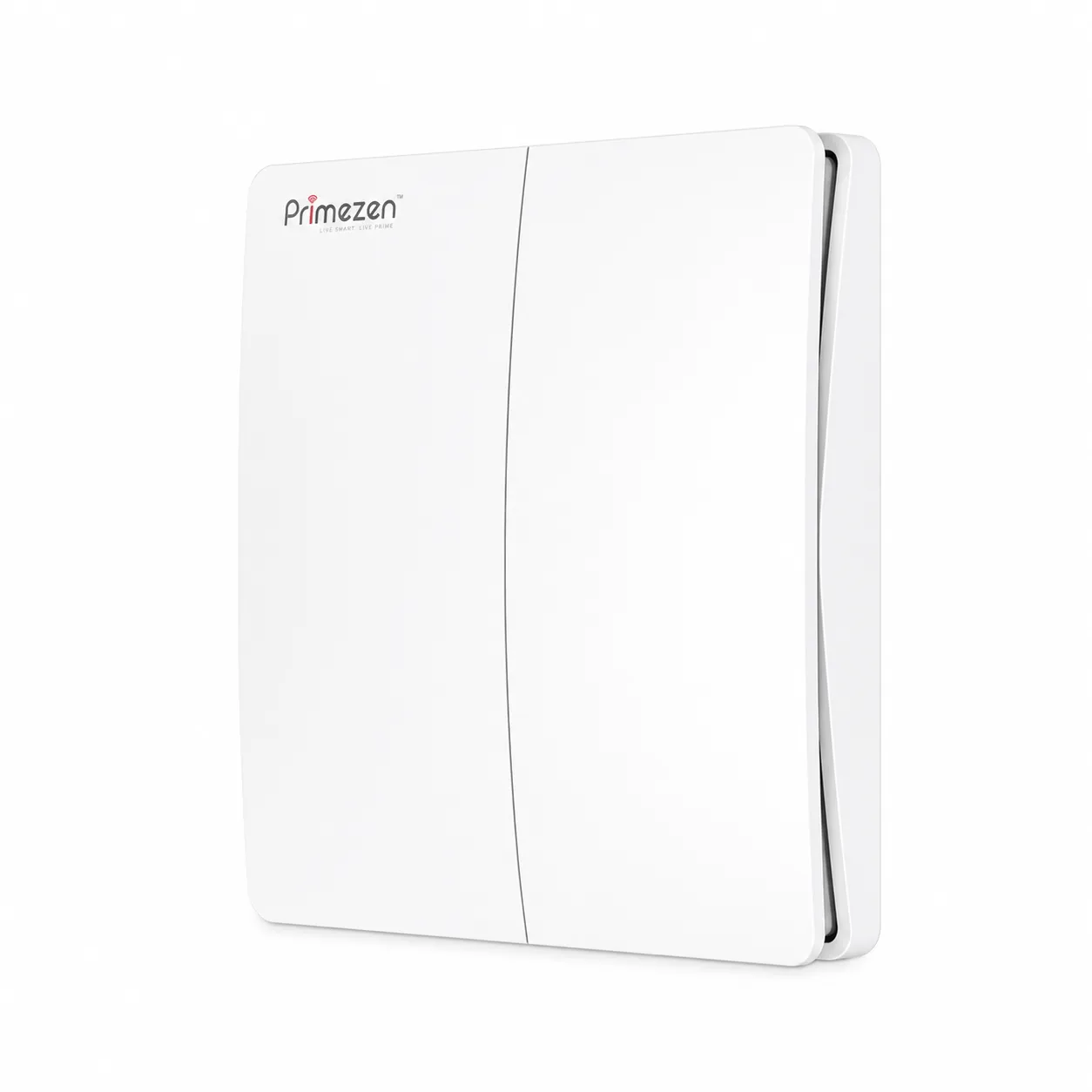
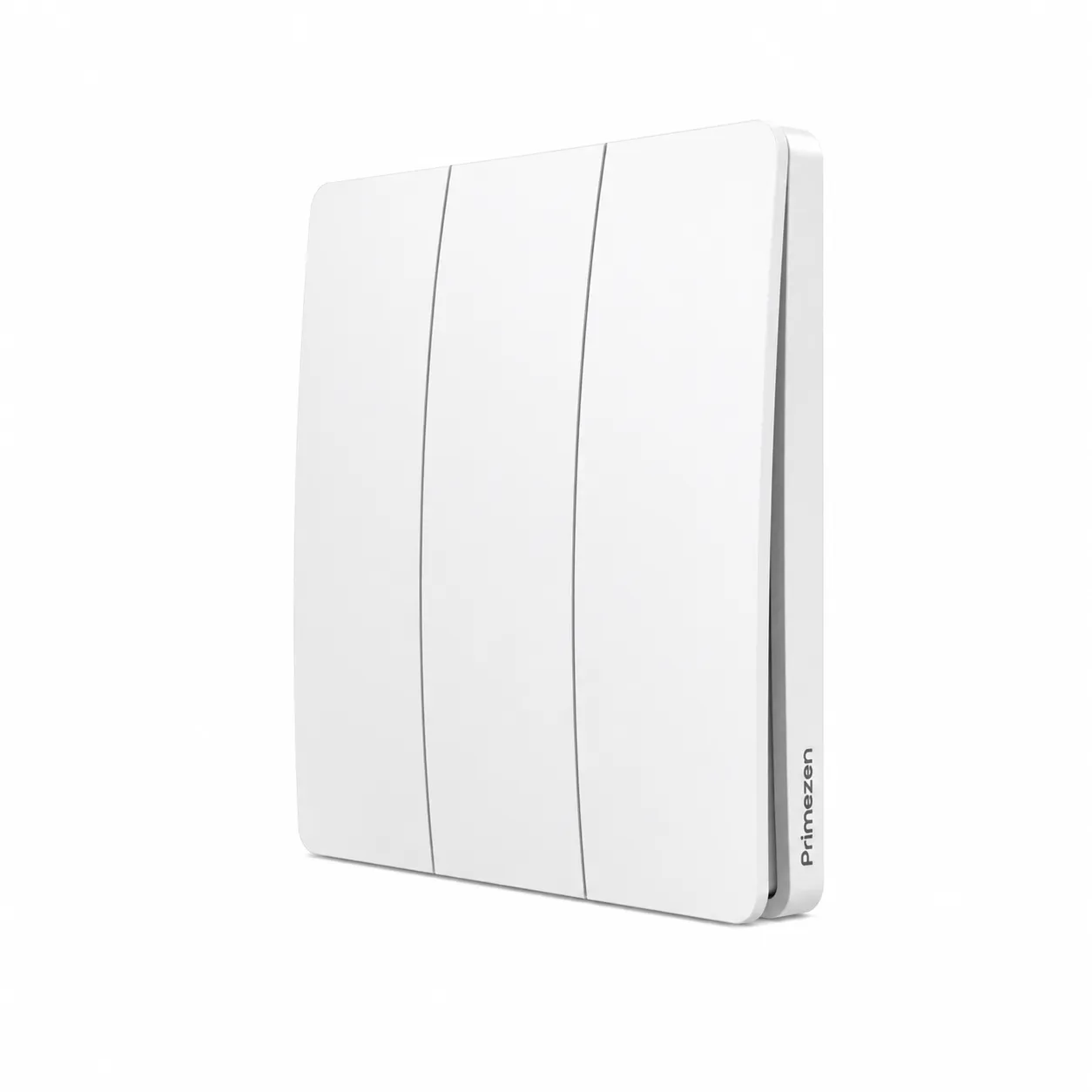
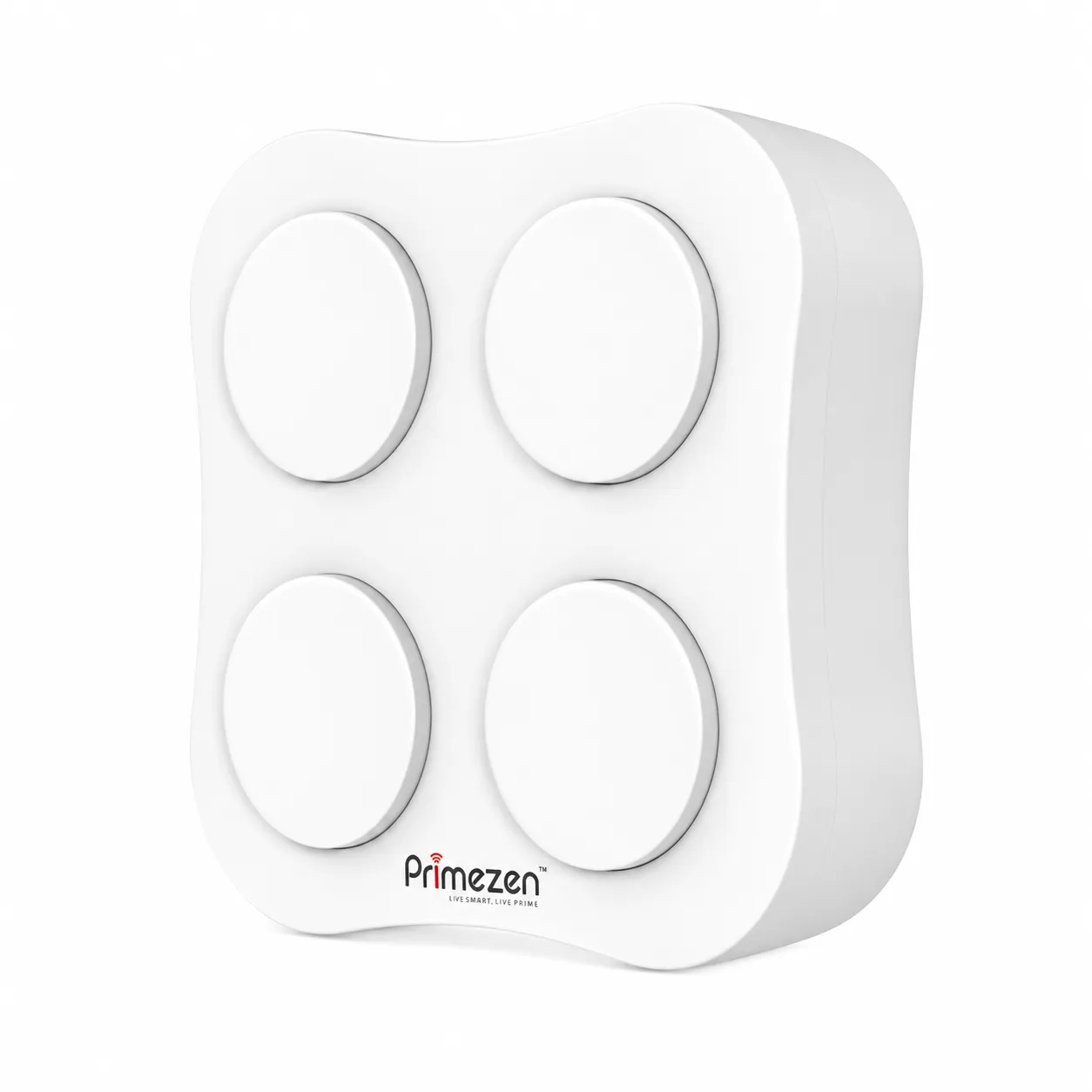
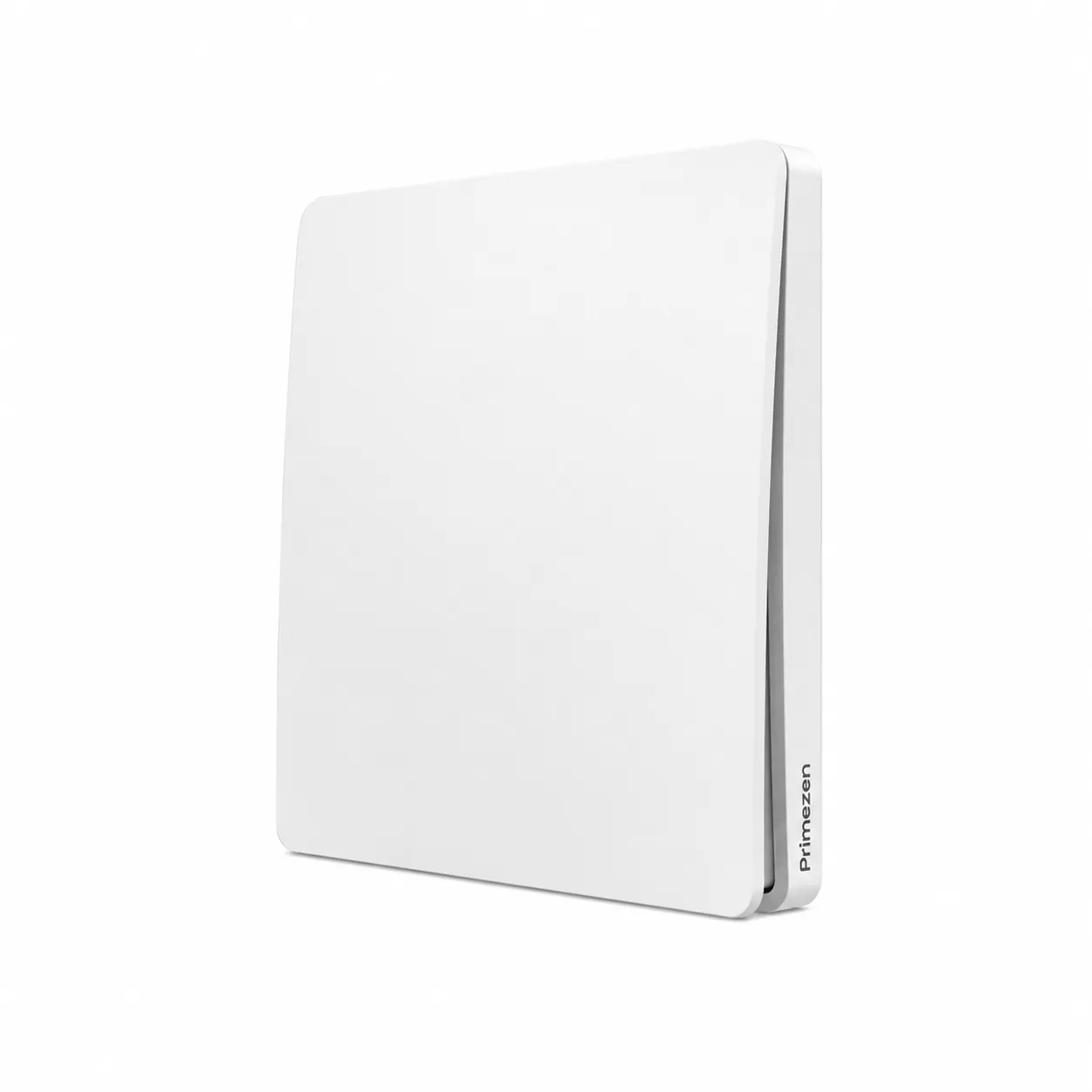
A wireless switch is a self-powered push-button switch that sends a radio signal to a paired receiver instead of switching the load directly — no battery, no wiring, no app. Bright Ideas Ahmedabad supplies the Prime Zen S-series wireless switches across 4 models: S1 (1-3 key wall), S2 (2-4 key extended range), S3 (6-key slim wall), S4 (4-key handheld remote). Ideal for retrofitting smart control without recutting walls or running new wires.

Wireless switches at a glance
BrandPrime Zen — S Series
Total models4 series (S1 · S2 · S3 · S4)
PowerSelf-powered (kinetic) — no battery, no wiring
Lifetime≥ 100,000 operations
RadioRF 433 MHz · FSK modulation
Range80–100 m outdoors · 25–30 m indoors
MountWall-mounted (S1/S2/S3) · Handheld + magnetic (S4)

Lighting Controls · Prime Zen S-Series

4 wireless switches, zero wiring required.

Prime Zen S-series wireless switches — battery-free, kinetic-energy push-button switches that pair with a Prime Zen light controller to switch any light, fan or appliance. No wiring at the switch end, no batteries to replace, no app to install. The fastest way to retrofit smart control into an existing home, office or hotel without breaking walls. Bright Ideas is an authorised Prime Zen channel partner.

4 models Self-powered No batteries 100,000+ ops RF 433 MHz by Prime Zen →

Where wireless switches fit

Applications & typical projects.

Wireless switches solve the problem that wired smart switches can't — retrofitting smart control into existing spaces without re-wiring. Most commonly used in:

  • Retrofit smart homes — existing homes without neutral wires at switch boxes, where pulling new wires would mean breaking walls
  • Bedside remote control — control bedroom lights from the bedside without running a second switch leg back to the bed
  • Two-way switches — add a second switch location (top + bottom of stairs, both ends of a long corridor) without trenching new wires
  • Hotel guest rooms — add convenience switches at headboards or near desks without redoing the electrical box
  • Offices & meeting rooms — flexible switch placement on glass walls or moveable partitions where conventional wiring is impossible
  • Older buildings — heritage or rented properties where wiring modifications are restricted or impractical

A quick buyer's guide

How to choose a wireless switch.

Four decisions that shape the right Prime Zen wireless switch for your project.

  1. 01Key count. Count the devices you want to control from this switch location. 1-3 keys → ZEN S1. 2-4 keys with extended range → ZEN S2. 6 keys for full-room or scene control → ZEN S3. 4 keys handheld → ZEN S4.
  2. 02Mount type. Wall-mounted (S1, S2, S3) for permanent switch locations replacing or adding to existing wall plates. Handheld (S4) for portable bedside, magnetic-base, or backup-remote scenarios.
  3. 03Operating range. ZEN S1 and S3 cover 80 m outdoors / 25 m indoors — fine for normal Indian homes. ZEN S2 and S4 cover 100 m outdoors / 30 m indoors — pick these for large bungalows, farmhouses or commercial sites where the switch is far from the receiver.
  4. 04Receiver pairing. Every wireless switch needs a Prime Zen light controller wired in at the light/fan/appliance side. The receiver does the actual switching; the wireless switch just sends commands. One receiver pairs with multiple wireless switches for whole-room control. View the light-controller range →

FAQs

Common buyer questions.

What is a wireless switch?

A wireless switch is a self-powered push-button switch that sends a radio signal to a receiver instead of physically switching the load. The switch itself needs no wiring, no battery and no power supply — kinetic energy from the push action generates enough electricity to transmit one signal. The receiver, wired in once at the load (light or fan), does the actual switching. Useful for retrofitting smart control into existing buildings without recutting walls.

Does the Prime Zen wireless switch need batteries?

No. Every Prime Zen S-series wireless switch is self-powered — it generates its own electricity from the push action using kinetic-energy harvesting. There are no batteries to replace, ever. Rated for 100,000+ operations across the lifetime of the device.

How is a wireless switch different from a touch panel?

A touch panel is a permanent wired smart switch with a capacitive-touch glass surface — it integrates with your home WiFi, smartphone app and voice assistants (Alexa, Google Assistant). A wireless switch is a battery-free push-button device that pairs with a separate receiver — no WiFi or app required. Touch panels suit new construction with neutral wiring; wireless switches suit retrofit installs where re-running wires is impractical.

Which Prime Zen wireless switch should I choose?

ZEN S1 (1/2/3-key wall switch, 17 mm depth) for general retrofit — most common choice. ZEN S2 (2/4-key, extended 100 m outdoor range) for larger homes or where switches are far from receivers. ZEN S3 (6-key slim wall switch, 14 mm) for whole-room or scene control from one wall plate. ZEN S4 (4-key handheld remote, 54 × 54 mm) as a portable bedside or backup remote rather than a wall switch.

Do I need WiFi or the internet for the wireless switch to work?

No — Prime Zen S-series wireless switches use direct RF 433 MHz radio signals between the switch and the paired receiver. No WiFi, no internet, no app, no cloud. The switch works the moment it's paired and never relies on a network connection. This makes them more reliable than WiFi-based switches in homes with poor router coverage or frequent power cuts.

Do I still need a receiver?

Yes — every wireless switch needs a Prime Zen light controller installed at the light/fan/appliance end. The receiver is the part that actually switches the load; the wireless switch just sends the command. Good news: one receiver can pair with multiple wireless switches, so you can add as many switch locations per device as you want. The Prime Zen light controllers range covers AC switching (ZEN-2C5W), TRIAC dimming (ZEN-DIMMER), 0-10V analog dimming, RGBW LED strips and CCT tunable white — our team confirms exactly which receiver suits your load at quotation.